

DesignFlow Logo DesignFlow Get Started
Get Started

Startup Design Methods: Building with Figma in Kowloon

Learn the practical design workflows that early-stage startups use to ship products fast. We’ll cover real Figma techniques, wireframing approaches, and how to build design systems without the overhead.

11 min read All Levels May 2026
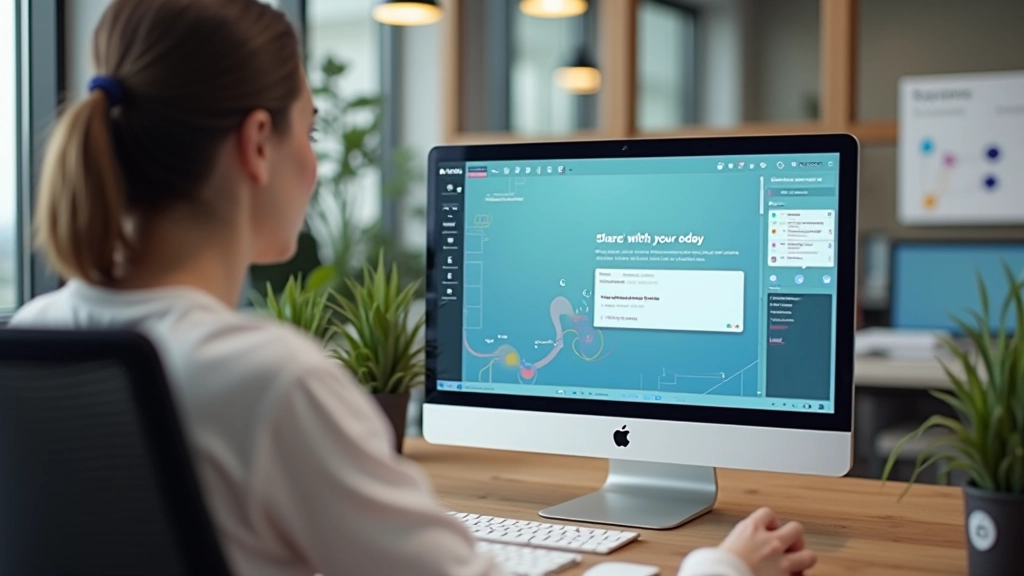
Designer working on startup interface design in Figma, modern workspace with dual monitors, professional setting

Here’s the reality: startups don’t have time for fancy design processes. You’ve got product to ship, users to test with, and feedback to incorporate. That’s where practical design methods come in. They’re not about perfection. They’re about speed, iteration, and getting real validation fast.

In this guide, we’ll walk through the actual methods that work in early-stage environments. You’ll see how to set up Figma for speed, structure your wireframes so they’re actually useful, and keep your team aligned without drowning in design documents. These aren’t theoretical — they’re techniques we’ve watched work at dozens of Kowloon startups.

Michael Wong, Senior Design Instructor

Author

Michael Wong

Senior Design Instructor & UX Strategy Lead

Michael Wong is a design systems expert and course instructor at DesignFlow Limited with 12 years of experience mentoring Hong Kong startups in Figma and wireframing techniques.

Why Startup Design Is Different

Most design education teaches you processes built for teams with dedicated designers, product managers, and user researchers. But startups? You’re often wearing multiple hats. The designer is also thinking about product. The product person is making design calls. Everyone’s shipping code.

That means your design workflow needs to be lean. It’s not that you skip steps — it’s that you compress them. You wireframe and test in the same week. You iterate based on user feedback in days, not months. Your design system grows from what you’re actually building, not from a master plan.

The key difference: startup design is about reducing uncertainty fast. You’re making small bets, validating assumptions quickly, and pivoting when needed. That’s where Figma really shines. You can set up components once and adjust them across your entire product in minutes.


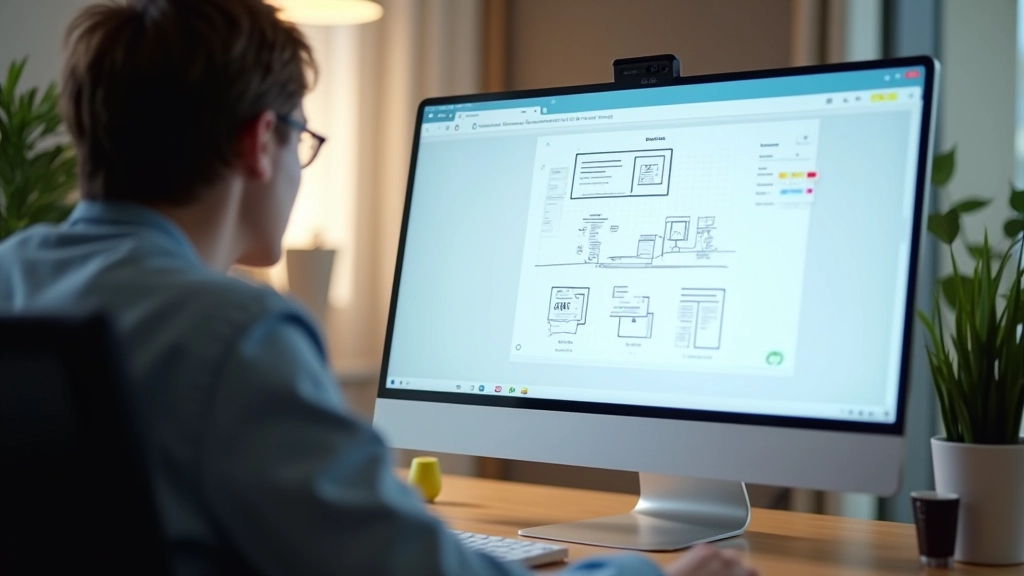
Figma workspace with wireframes and component library visible, startup design workflow in action

Setting Up Figma for Speed

Organized Figma project structure with clear naming conventions and component system

Don’t start building a component library before you know what you’re building. That’s the mistake we see over and over. Teams spend weeks setting up Figma perfectly, then they never use half of it.

Instead, start simple. Create a file structure that matches your product. You’ll want separate files for: product design, wireframes, research findings, and brand assets. Keep naming consistent so everyone knows where things live. Within your main product file, organize by user flow or feature — whatever makes sense for your team.

Components come next, but only for things you’re actually reusing. Button styles, form inputs, navigation patterns — these are obvious. But don’t create components for every single element. You’ll bloat your library and make updates harder. Start with 10-15 core components. Add more as patterns emerge from your design work.

One practical tip: use Figma’s shared libraries early. If you’ve got multiple designers, link your component library to your product files. Changes propagate automatically. It sounds small, but it saves hours of manual updates.

Wireframing That Moves Fast

Here’s what we’ve learned: the best wireframes are the ones you finish quickly. You want to spend hours testing and iterating, not hours perfecting line weights and spacing.

Start with simple gray boxes and basic text. Seriously. No colors, no icons, no brand elements. Just layout. Where does the header go? What’s the main content area? Where are the calls to action? You’re answering structural questions, not design questions.

For startup projects, we recommend medium-fidelity wireframes — somewhere between sketches and high-fidelity mockups. Use Figma’s built-in components for common patterns. Add enough detail that developers can understand what they’re building. But not so much that you can’t change it quickly if user testing reveals a better approach.

The timing matters. Wireframe Monday, test Wednesday, iterate Thursday, hand off Friday. That’s a realistic startup rhythm. You’re moving too fast to spend a week on wireframes that might change anyway.

Side-by-side comparison of low-fidelity sketches and medium-fidelity digital wireframes

Testing and Iterating Ruthlessly

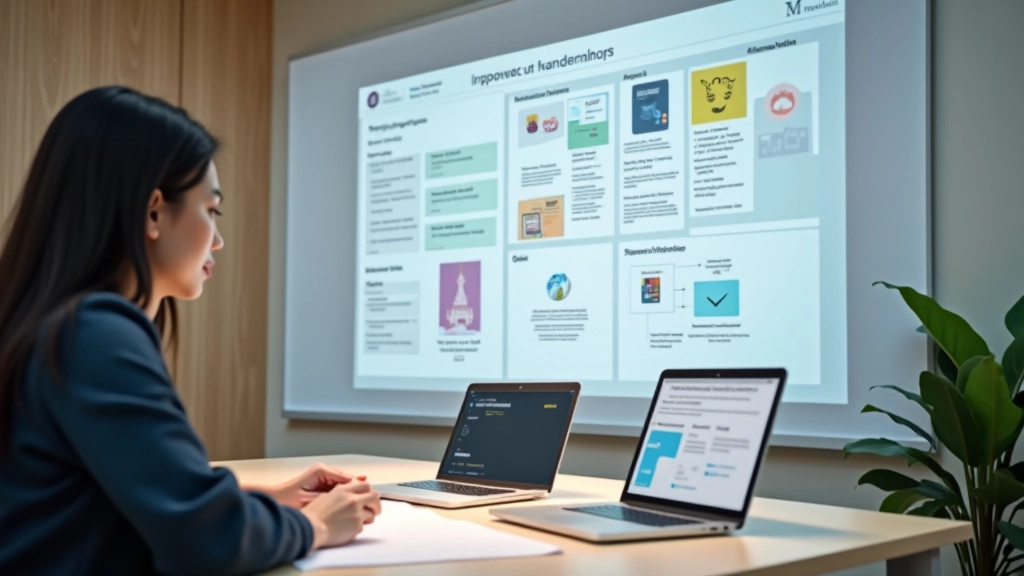
User testing session with startup team observing and taking notes

You don’t need 20 users for testing. Seriously. Talk to 5 people using your wireframes. You’ll catch 80% of the problems. The other 20% can wait for the next iteration.

Figma’s prototype feature is perfect for this. Link your screens together, set up basic interactions, and share a prototype link with testers. You’ll see exactly where they click, where they get confused, where they expect different behavior. No fancy animation required — just the flow.

What we’ve seen work: test, collect feedback, iterate, test again. Don’t wait until everything is perfect. Ship a feature to real users, gather actual behavior data, and adjust based on that. Your intuition will be wrong sometimes. Real data never lies.

The startup advantage? You can pivot fast. If a feature isn’t working, change it next week. Big companies can’t do that. You can. Use it.

Start Small, Ship Often

Startup design methods aren’t complicated. They’re just practical. You set up Figma for your actual workflow, not some theoretical perfect process. You wireframe fast, focusing on structure over polish. You test with real users, iterate based on feedback, and ship. Then you repeat.

The designers winning at early-stage startups aren’t the ones with the most polished portfolios. They’re the ones who can ship something Wednesday that’s better than nothing Monday. They iterate ruthlessly. They’re not precious about their work.

If you’re starting your design system or refining your process, pick one thing from this guide and try it this week. Maybe it’s organizing your Figma files differently. Maybe it’s running a quick user test on your wireframes. Maybe it’s cutting your design cycle in half by using medium-fidelity mocks instead of high-fidelity. Small changes add up to real speed.

That’s what startup design is about: doing more with less. Building better products faster. Validating assumptions instead of guessing. You’ve got this.

Disclaimer

This article is intended for educational and informational purposes. The design methods and techniques described are based on industry practices and experiences shared by startups and design professionals. Your specific results may vary depending on your team size, product complexity, and market conditions. We recommend adapting these approaches to fit your unique circumstances and consulting with experienced designers or mentors as needed for your particular project.